Smart Kitchen Guide 2026: The Appliances Actually Worth Buying
Wi-Fi multicooker, wireless meat thermometer, energy-monitoring smart plugs, nutrition scale and app-controlled coffee maker: what each smart appliance really adds, where it falls short and what to buy first for your kitchen in 2026.

Quick answer
What are the best smart kitchen appliances in 2026?
- View on Amazon →
Best overall
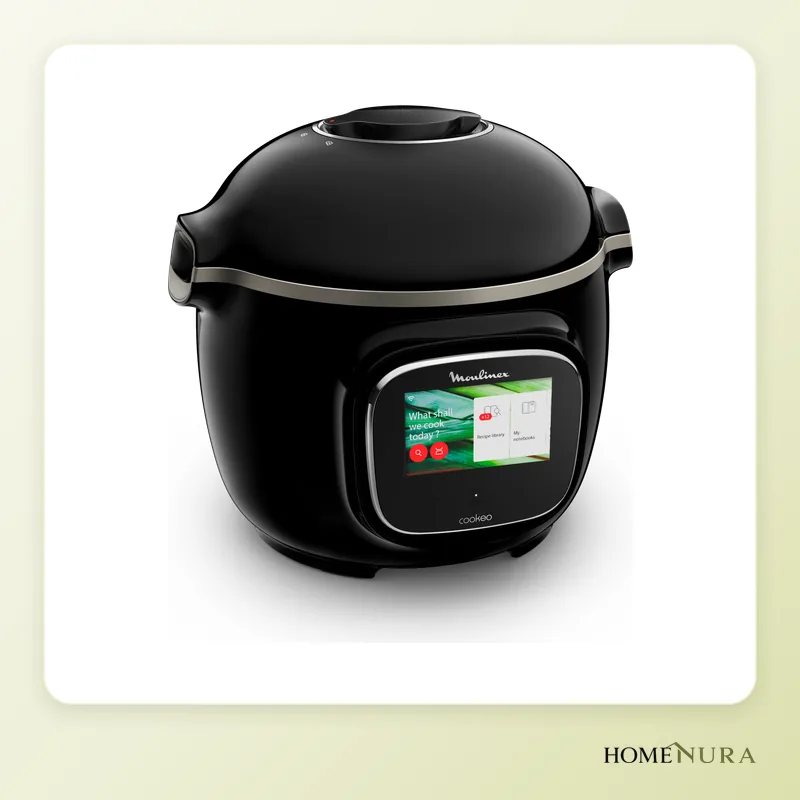
Moulinex Cookeo Touch WiFi - 6L
A 6 L pressure multicooker with 13 modes, a touchscreen and guided recipes downloaded over Wi-Fi: the most useful for everyday meals.
Photo: © Moulinex
- View on Amazon →
Best value
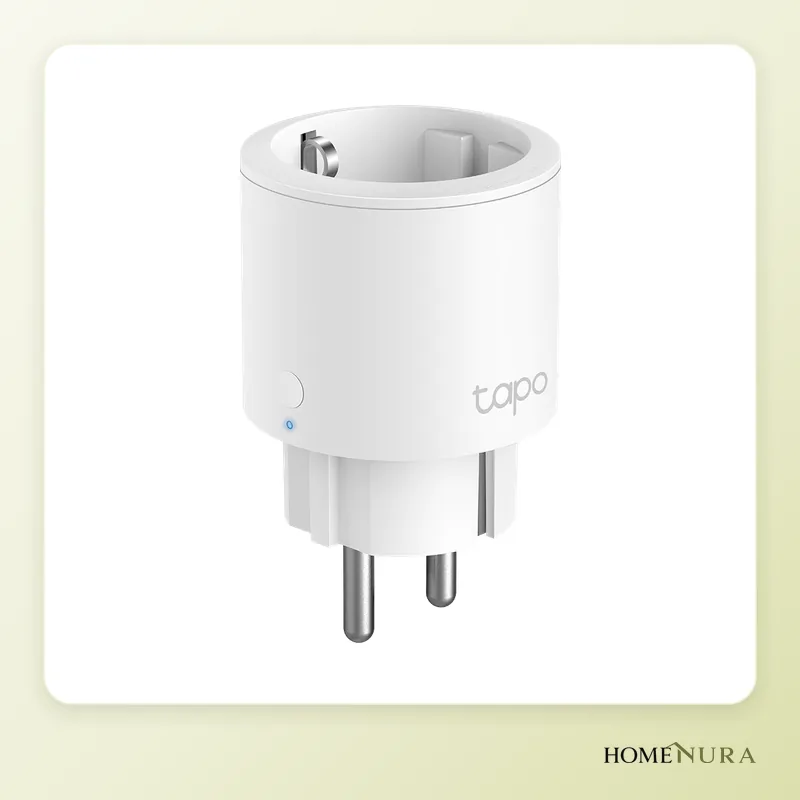
TP-Link Tapo P115 Prise Connectée avec Suivi Conso
A hub-free mini Wi-Fi plug that controls your existing appliances and tracks their energy use: the simplest way into a smart kitchen.
Photo: © TP-Link
- View on Amazon →
Best for cooking meat
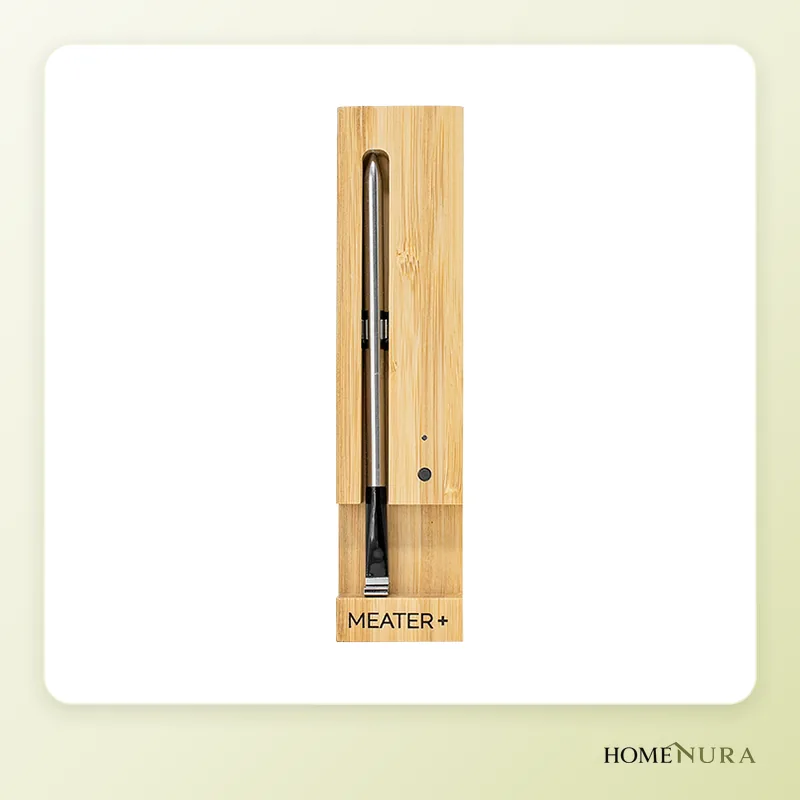
MEATER Plus Thermomètre Sans Fil Bluetooth 50m
A fully wireless dual-sensor probe with a Bluetooth repeater built into its block and guided cooking in the app.
Photo: © MEATER


As an Amazon Associate I earn from qualifying purchases. Amazon affiliate links: commission at no extra cost to you.
A useful smart kitchen in 2026 comes down to three or four appliances that solve a real problem: a Wi-Fi multicooker such as the Moulinex Cookeo Touch WiFi for everyday meals, a wireless meat thermometer such as the MEATER Plus for perfectly cooked roasts, and smart plugs with energy monitoring such as the TP-Link Tapo P115 to control and measure everything else. A smart coffee maker, a nutrition scale and a smart display come next, depending on your habits.
This guide covers each type of appliance, what the app or Wi-Fi actually adds, where it falls short and the order in which to equip your kitchen. Our picks are based on manufacturer specifications, published independent reviews and verified buyer reviews, not on in-house testing.
What a smart kitchen really gives you
A smart appliance is worth having for three reasons: guidance (step-by-step recipes, automatic settings), remote monitoring (meat temperature, end of cooking, power use) and automation (switching on and off, scheduling). If a device does none of these better than its regular equivalent, the smart features are just a sales pitch.
Read product listings carefully too: plenty of popular machines come with a recipe app but can't actually be controlled remotely. Always check for Wi-Fi or Bluetooth in the technical specifications of the exact model, model number included.
Models mentioned in this guide


Photos: © Moulinex, © TP-Link, © MEATER, © Etekcity, © INKBIRD
As an Amazon Associate I earn from qualifying purchases. Amazon affiliate links: we earn a commission at no extra cost to you.
How to choose
Wi-Fi or Bluetooth
Wi-Fi lets you receive notifications and act from anywhere, as long as the appliance is on your home network (most only accept 2.4 GHz). Bluetooth uses little power and is fine for a scale or a thermometer, but its range is limited to the house or yard and drops sharply through walls or an oven door.
The app and how long it will last
A smart appliance is only as good as its app. Favour brands that have kept their apps up to date for several years, and make sure the appliance remains fully usable without a phone: a multicooker or coffee maker should keep working normally if the online service ever shuts down.
Matter and voice assistants
The Matter standard makes Apple Home, Google Home, Amazon Alexa and SmartThings work together more easily. In the kitchen it mostly covers plugs, lighting and sensors: multicookers, coffee makers and thermometers still almost always rely on their maker's own app. So don't rule out a cooking appliance because it lacks Matter, but do favour Matter for plugs.
Cleaning and safety
A dishwasher-safe bowl, an easy-to-clean probe and available spare parts matter more than the number of functions printed on the box.
The appliances worth considering in 2026
Moulinex Cookeo Touch WiFi: the guided multicooker
The Cookeo Touch WiFi (model CE902800) is a 6 L (6.3 qt), 1,600 W pressure multicooker with 13 cooking modes: pressure, steam, simmer, browning, rice and pasta, keep warm, reheat, gentle cooking and dedicated programs for soups, desserts and bread dough. Its tilting touchscreen walks you through each step with pictures, and Wi-Fi unlocks several hundred downloadable recipes through the Moulinex app, with automatic updates.
Strengths: very approachable guided recipes, fast pressure cooking, dishwasher-safe non-stick bowl, remote control of some functions.
Limitations: no air-fry function, it takes up real counter space, and remote control is partial: you still need to be there to add the ingredients.
Best for: households of up to six who want to cook more often without thinking about settings. Compare it with other models in our smart multicooker comparison or browse the multicookers category.
MEATER Plus: the benchmark wireless thermometer
The MEATER Plus is a fully wireless probe that you push into the meat. It has two sensors: one reads the internal temperature, up to 100°C (212°F), and the other the ambient temperature around the roast, up to 275°C (527°F). Its charging block doubles as a Bluetooth repeater, extending the claimed range to 50 metres in open space. The app estimates the time remaining and tells you when to take the meat out, allowing for resting time.
Strengths: no cable to run through the oven door or barbecue lid, guided cooking by type of meat, a claimed 24 hours of use per charge.
Limitations: a single probe, and real-world range drops noticeably inside a closed oven or a metal barbecue. To cook several pieces at once, a multi-probe model is a better fit.
Best for: fans of roasts, steaks and low-and-slow cooking. Our smart barbecue guide covers the alternatives, and the meat thermometers category lists the available models.
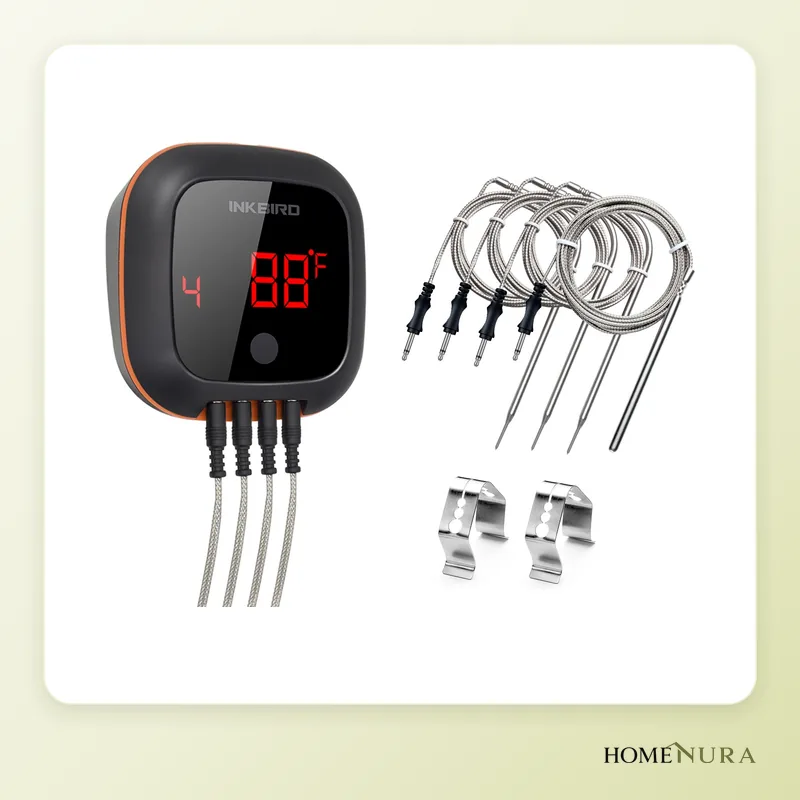
Inkbird IBT-4XS: four probes for the barbecue
The Inkbird IBT-4XS takes up to four wired probes and sends temperatures over Bluetooth to the BBQ Go app, with a claimed range of around 45 metres. Its rechargeable battery is rated for about 20 hours, and the magnetic back sticks to the barbecue.
Strengths: several pieces tracked at once, high and low temperature alerts, a large screen you can read without a phone.
Limitations: the probe cables need a bit of organizing, and the app is less guided than MEATER's.
Best for: anyone cooking for a crowd on the barbecue or smoker.
TP-Link Tapo P115: the smart plug that measures
The Tapo P115 is a mini Wi-Fi plug (2.4 GHz) with real-time and historical energy monitoring in the Tapo app. It lets you switch an appliance on or off remotely and set schedules and timers, and it works with Alexa and Google Assistant without a hub. Its compact shape leaves the neighbouring outlet free.
Strengths: the simplest way into the smart kitchen, with accurate readings of what your appliances use, standby included.
Limitations: it can't make an appliance “smart” if it has to be restarted with a button after a power outage. For native Matter support, Tapo offers a dedicated variant, the P110M.
Best for: everyone, for a coffee maker, a kettle or any small appliance whose power use you want to know. See our energy-monitoring smart plug comparison and the smart plugs category.
Etekcity ESN00: the nutrition scale
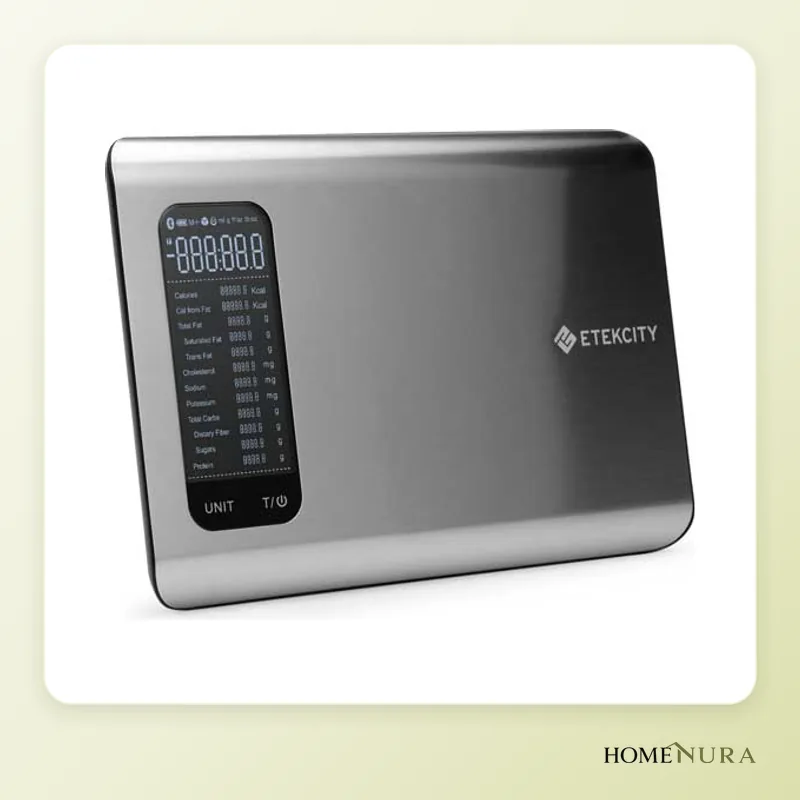
The Etekcity Smart Nutrition Scale weighs up to 5 kg in 1 g steps and connects over Bluetooth to the VeSync app. The app draws on a large food database to show calories and nutrients for each item you weigh, and can sync data with Apple Health or Fitbit.
Strengths: nutrition tracking without typing in weights, an easy-to-clean platform, and it works as a regular scale too.
Limitations: 1 g resolution isn't ideal for tiny amounts (yeast, spices), and the nutrition values require the app.
Best for: people tracking their diet or macros. For other models, see our smart kitchen scale comparison.
De'Longhi Eletta Explore: an espresso machine you can really control
In its Wi-Fi versions, such as the ECAM450.86.T, the Eletta Explore works with the De'Longhi Coffee Link app: remote brewing, extraction settings, more than a hundred recipes and maintenance reminders. It can also make cold drinks thanks to its cold extraction technology.
Strengths: a wide choice of hot and cold drinks, personal profiles, maintenance tracking in the app.
Limitations: a bulky premium machine; not every version in the range has Wi-Fi, so check the exact model number.
Best for: serious coffee drinkers who like variety. Our smart coffee maker guide compares the alternatives.
Comparison table
| Model | Type | Connectivity | Key feature | Best for |
|---|---|---|---|---|
| Moulinex Cookeo Touch WiFi | 6 L (6.3 qt) multicooker | Wi-Fi | 13 modes, guided recipes | Everyday family meals |
| MEATER Plus | Wireless thermometer | Bluetooth (built-in repeater) | Cable-free probe, dual sensor | Roasts and slow cooking |
| Inkbird IBT-4XS | 4-probe thermometer | Bluetooth | Up to 4 pieces tracked | Grilling for a crowd |
| TP-Link Tapo P115 | Smart plug | Wi-Fi 2.4 GHz | Energy monitoring | First step, small appliances |
| Etekcity ESN00 | Nutrition scale | Bluetooth | 5 kg, nutrition data | Diet tracking |
| De'Longhi Eletta Explore (Wi-Fi version) | Super-automatic espresso machine | Wi-Fi | Hot and cold drinks | Serious coffee lovers |
What to buy first
- Smart plugs: they make your existing appliances controllable and show where your electricity goes. The easiest place to start.
- Meat thermometer: you see the benefit from the very first roast.
- Smart multicooker: the appliance that changes day-to-day life the most if you cook often.
- Scale or coffee maker: depending on your priority, nutrition or coffee.
- Smart display (such as an Echo Show or Nest Hub): handy for reading a recipe with your hands full, running several timers and grouping voice commands.
Go one step at a time: use each appliance for a few weeks before adding another. A kitchen with three appliances you actually use beats a dozen forgotten gadgets.
Mistakes to avoid
- Confusing an app with remote control: a recipe app doesn't mean you can control the appliance remotely. Check the exact model number.
- Forgetting the 2.4 GHz band: many devices can't see 5 GHz networks. If your router combines both bands under one network name, pairing may fail.
- Collecting apps: pick one main assistant (Alexa, Google Home or Apple Home) and check compatibility before you buy.
- Overestimating savings: a smart plug helps you spot standby power use, but any savings depend entirely on your appliances and habits.
- Neglecting cleaning: probes, seals and milk systems need regular care, smart or not.
Safety and privacy
- Heating appliances: never remotely switch on an appliance that heats while unattended (toaster, stovetop, deep fryer). Keep remote control for appliances designed for it, and follow the manufacturer's instructions, including the maximum load the plug accepts.
- Pressure cooking: check the multicooker's seal and valve before every use, just as you would with a stovetop pressure cooker.
- Network: put smart devices on a guest or dedicated network if your router allows it, and turn on automatic updates.
- Data: review the privacy settings in each app and turn off any data sharing you don't need.
Our verdict
For most households, the most useful trio is the Moulinex Cookeo Touch WiFi for everyday cooking, the TP-Link Tapo P115 to control and measure small appliances, and the MEATER Plus for perfectly cooked meat. Add the Etekcity ESN00 if you track your diet, the Inkbird IBT-4XS if you often host barbecues, and a Wi-Fi De'Longhi Eletta Explore if coffee is your priority. You'll find every appliance in our smart kitchen section.
Frequently Asked Questions
Is a smart kitchen really worth it?
Which appliance should I start with?
Do kitchen appliances need to be Matter-compatible?
Cookeo or Thermomix: what's the difference?
Can any kitchen appliance be plugged into a smart plug?
What happens if an appliance's app stops being supported?
Article from our comprehensive guide
Smart Kitchen →Our recommendations
Photos: © Moulinex, © TP-Link, © MEATER, © Etekcity, © INKBIRD
As an Amazon Associate I earn from qualifying purchases. Amazon affiliate links: we earn a commission at no extra cost to you.


